Password page
Overview:
The Password Page section is designed to create a branded storefront password page while the store is under development or restricted access is enabled. It supports customizable headings, notify buttons, typography settings, responsive layouts, color schemes, and spacing controls. This section helps merchants collect visitor interest, maintain brand presence, and inform customers before the store launch.
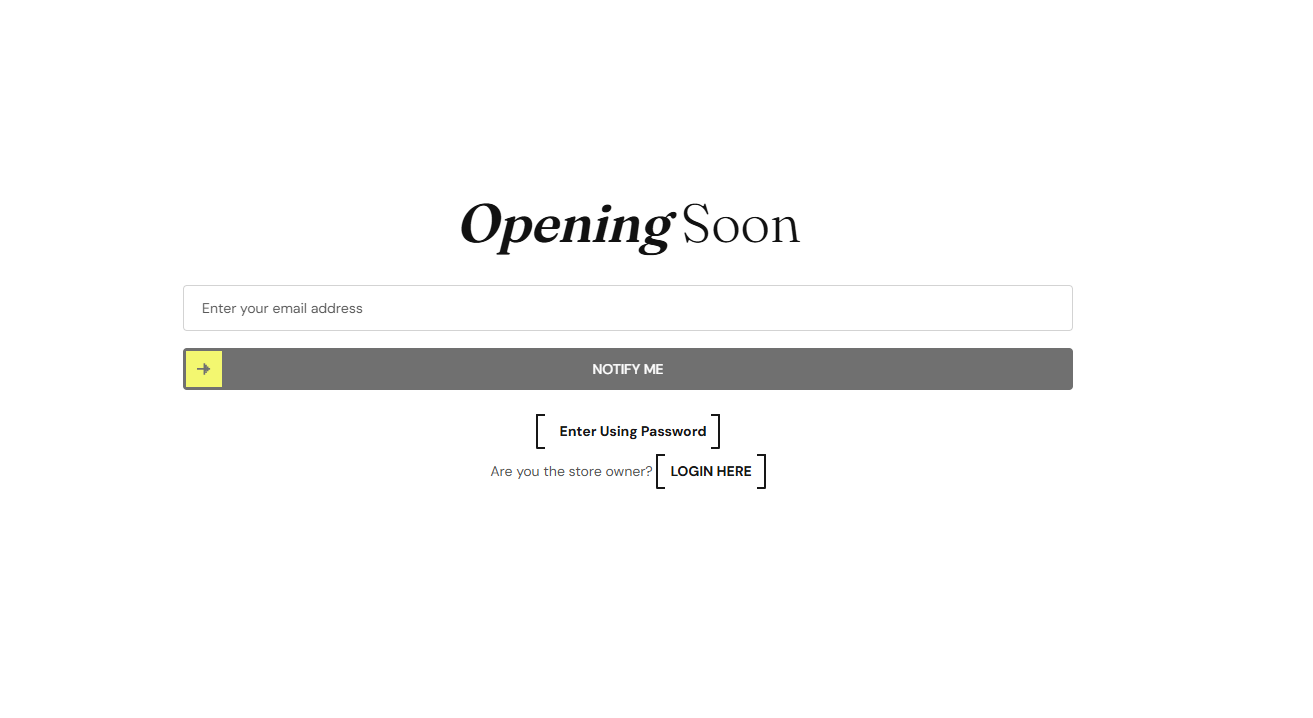
Section Configuration
Heading Settings:
| Setting |
Description |
| Heading Size |
Controls page heading size such as H1–H6, Large, Medium, or Small. |
| Heading Weight |
Adjusts the font thickness ranging from Thin (100) to Black (900). |
| Heading Case |
Changes text transformation style such as Uppercase, Lowercase, Capitalize, or Default. |
| Heading Tag |
Sets the HTML heading tag level from H1 to H6 for SEO and accessibility purposes. |
| Heading Font Family |
Allows switching between Default and Body font family styles. |
| Heading Color Style |
Applies predefined color styling to heading text. |
| Setting |
Description |
| Button Label |
Defines the text displayed on the button such as Notify Me or Coming Soon. |
| Button Style |
Controls button appearance such as Primary or Secondary style. |
| Button Case |
Changes button text transformation style such as Uppercase, Lowercase, Capitalize, or Default. |
Layout:
| Setting |
Description |
| Container Layout |
Determines whether the section uses Contained, Contained Content, or Full Width layout. |
| Container Width |
Controls the maximum width of the section container on desktop devices. |
| Text Alignment (Desktop) |
Sets content alignment on desktop devices (Left, Center, or Right). |
| Text Alignment (Mobile) |
Sets content alignment on mobile devices (Left, Center, or Right). |
Color Scheme:
| Setting |
Description |
| Section Color Scheme |
Applies a predefined color palette to the Password Page section background and content. |
