Featured video
Overview:
The Featured Video section is used to showcase videos such as product demonstrations, tutorials, brand stories, promotional videos, customer testimonials, or educational content. It supports Shopify-hosted videos, YouTube/Vimeo embeds, cover images, slideshow functionality, typography customization, responsive media settings, color schemes, and spacing controls to create engaging video experiences across the storefront.
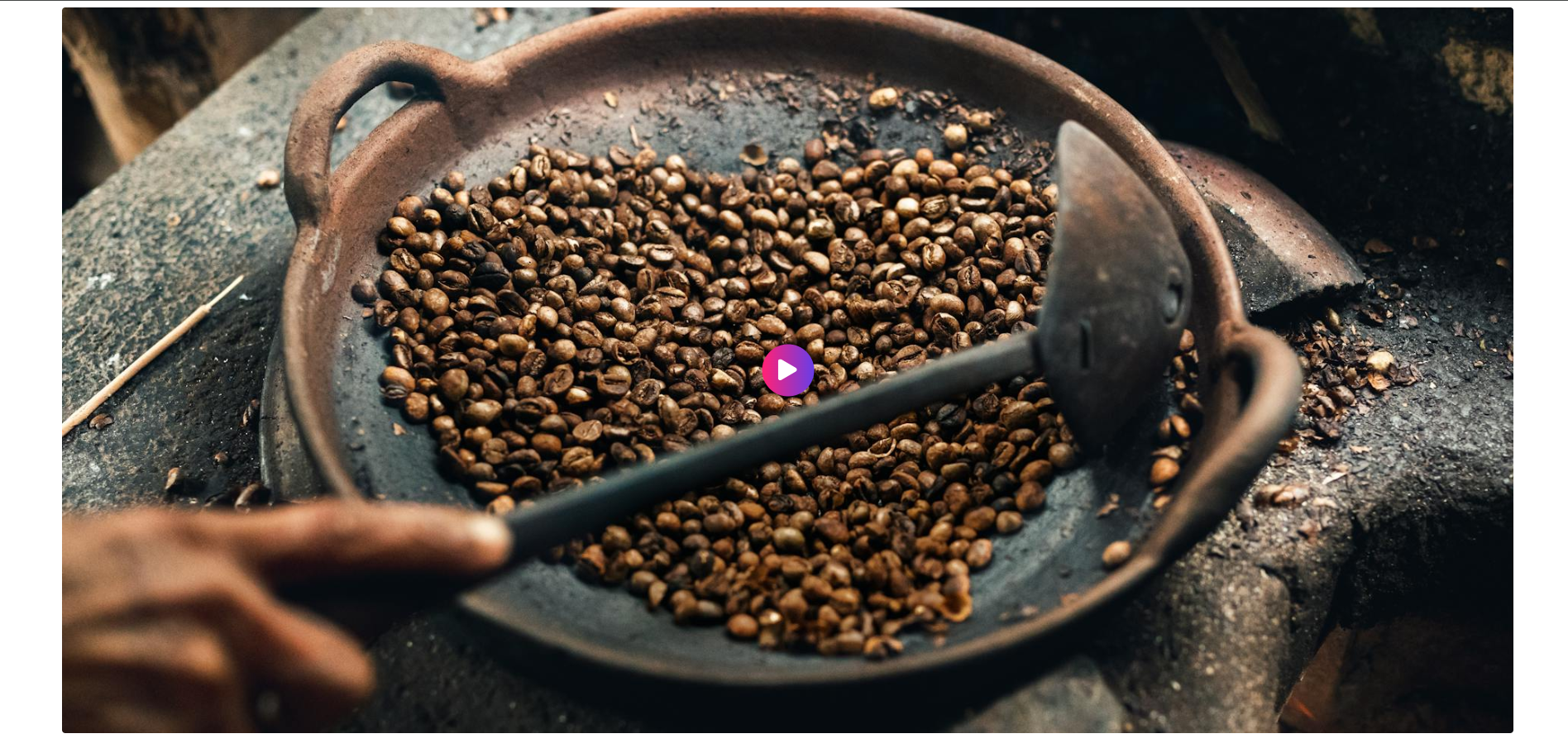
Blocks Configuration
Video Block:
The Video block displays individual videos inside the featured video section.
Video Settings
| Setting |
Description |
| Cover Image |
Uploads a thumbnail image displayed before the video starts playing. |
| Shopify Hosted Video |
Uploads a video directly to Shopify for native playback. |
| Embedded Video URL |
Adds a YouTube or Vimeo video URL for embedded playback. |
Section Configuration
| Setting |
Description |
| Section Caption |
Displays a small introductory caption above the section heading. |
| Caption Size |
Controls the size of the caption text. |
| Caption Weight |
Adjusts the font thickness of the caption text. |
| Caption Case |
Changes the text transformation style such as uppercase, lowercase, capitalize, or default. |
| Caption Font Family |
Allows switching between default and heading font family styles. |
| Caption Color Style |
Applies predefined color styling to the caption text. |
Heading:
| Setting |
Description |
| Section Heading |
Defines the main heading displayed above the video section. |
| Heading Size |
Controls the size of the heading text. |
| Heading Weight |
Adjusts the font thickness of the heading text. |
| Heading Case |
Changes the text transformation style such as uppercase, lowercase, capitalize, or default. |
| Heading Tag |
Sets the HTML heading tag level from H1 to H6 for SEO and accessibility purposes. |
| Heading Font Family |
Allows switching between default and body font family styles. |
| Heading Color Style |
Applies predefined color styling to the heading text. |
| Heading Link Style |
Controls the styling behavior of links used inside the heading content. |
| Enable Heading Gradient |
Enables gradient styling for the heading text. |
Description:
| Setting |
Description |
| Section Description |
Displays supporting text or introductory content below the section heading. |
| Description Size |
Controls the size of the description text. |
| Description Weight |
Adjusts the font thickness of the description text. |
| Description Case |
Changes the text transformation style for the description text. |
| Description Font Family |
Allows switching between default and heading font family styles. |
| Description Color Style |
Applies predefined color styling to the description text. |
Slideshow Settings
These settings are available when multiple video blocks are added.
| Setting |
Description |
| Show Slideshow Arrows |
Displays navigation arrows for switching between videos. |
| Enable Auto Play |
Automatically rotates video slides. |
| Slideshow Interval |
Controls the autoplay delay timing between video slides. |
Layout:
| Setting |
Description |
| Media Ratio |
Controls the aspect ratio of videos such as adapt, square, portrait, landscape, or fit to box. |
| Desktop Video Height |
Controls the video height on desktop devices when fit mode is enabled. |
| Mobile Video Height |
Controls the video height on mobile devices when fit mode is enabled. |
| Container Layout |
Determines whether the section uses a contained, contained content, or full-width layout. |
| Container Width |
Controls the maximum width of the section container on desktop devices. |
| Text Alignment (Desktop) |
Sets the horizontal alignment of section content on desktop devices. |
| Text Alignment (Mobile) |
Sets the horizontal alignment of section content on mobile devices. |
Color Scheme:
| Setting |
Description |
| Section Color Scheme |
Applies a predefined color palette to the section background and content. |
| Inverse Color Scheme |
Inverts the selected color scheme styling for contrast variations. |
| Gradient Mode |
Enables gradient styling for the section background, widget, or both. |
| Enable Heading Gradient |
Enables gradient styling for section headings. |
Preset Configuration
The default preset of the Featured Video section includes:
- One pre-added video block
- Shopify-hosted or embedded video support
- Ready-to-use video showcase layout
