Password page
Overview:
The Main Password section is used for Shopify password-protected storefronts and coming soon pages. It allows merchants to display a launch message, notify button, typography customization, layout controls, responsive alignment, color schemes, and spacing settings before the store becomes publicly accessible. This section helps create a professional pre-launch experience while collecting customer interest.
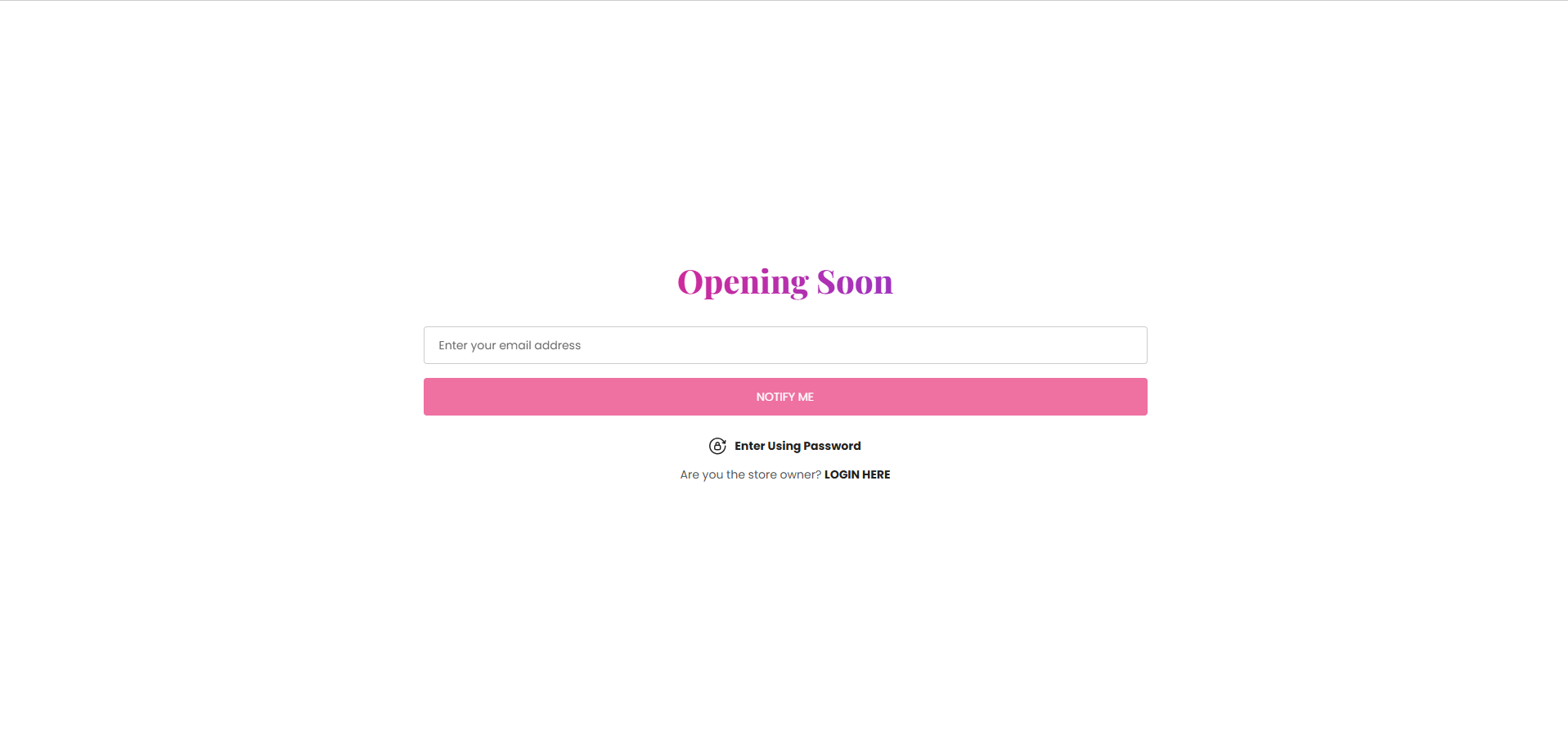
Section Configuration
Heading:
| Setting |
Description |
| Section Heading |
Defines the main heading displayed on the password or coming soon page. |
| Heading Size |
Controls the size of the heading text. |
| Heading Weight |
Adjusts the font thickness of the heading text. |
| Heading Case |
Changes the text transformation style such as uppercase, lowercase, capitalize, or default. |
| Heading Tag |
Sets the HTML heading tag level from H1 to H6 for SEO and accessibility purposes. |
| Heading Font Family |
Allows switching between default and body font family styles. |
| Heading Color Style |
Applies predefined color styling to the heading text. |
| Enable Heading Gradient |
Enables gradient styling for the heading text. |
| Setting |
Description |
| Button Label |
Defines the text displayed on the notify button. |
| Button Style |
Controls the visual appearance of the button such as primary, secondary, or link style. |
| Button Case |
Changes the text transformation style for button text. |
Layout
| Setting |
Description |
| Container Layout |
Determines whether the password section uses a contained, contained content, or full-width layout. |
| Container Width |
Controls the maximum width of the password page container on desktop devices. |
| Text Alignment (Desktop) |
Sets the horizontal alignment of content on desktop devices. |
| Text Alignment (Mobile) |
Sets the horizontal alignment of content on mobile devices. |
Color Scheme
| Setting |
Description |
| Section Color Scheme |
Applies a predefined color palette to the password page background and content. |
| Gradient Mode |
Enables gradient styling for the section background. |
