404 page
Overview
The Main 404 section is used on the “Page not found” (404) template to display an error message area. You can control the section height, container width, alignment, color scheme, and responsive spacing. The content itself is provided through a dedicated 404 content block (plus optional theme/app blocks depending on your setup).
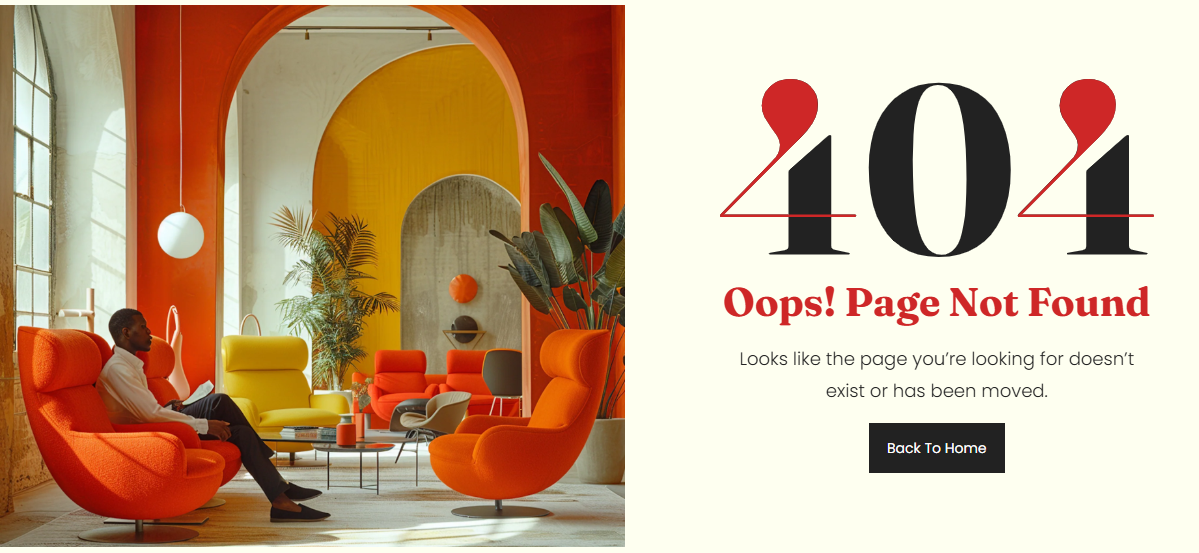
Section Configuration:
Layout
| Setting |
Description |
| Section height |
Controls the overall height of the 404 section (Small, Medium, Large). |
| Container layout |
Controls how the section is sized on the page: page-width (boxed), contained-content, or container-fluid (full width). |
| Container size (Desktop) |
Sets the maximum section width on desktop as a percentage (50%–100%). |
| Text alignment (Desktop) |
Controls text alignment on desktop (left, center, right). |
| Text alignment (Mobile) |
Controls text alignment on mobile (left, center, right). |
| Color scheme |
Applies a theme color scheme to the section styling. |
Inner padding
| Setting |
Description |
| Top (Desktop) |
Adds space above the section content on desktop. |
| Bottom (Desktop) |
Adds space below the section content on desktop. |
| Left (Desktop) |
Adds space to the left of the section content on desktop. |
| Right (Desktop) |
Adds space to the right of the section content on desktop. |
| Top (Mobile) |
Adds space above the section content on mobile. |
| Bottom (Mobile) |
Adds space below the section content on mobile. |
| Left (Mobile) |
Adds space to the left of the section content on mobile. |
| Right (Mobile) |
Adds space to the right of the section content on mobile. |
Outer padding
| Setting |
Description |
| Top (Desktop) |
Adds space above the section on desktop. |
| Bottom (Desktop) |
Adds space below the section on desktop. |
| Left (Desktop) |
Adds space on the left side of the section on desktop. |
| Right (Desktop) |
Adds space on the right side of the section on desktop. |
| Top (Mobile) |
Adds space above the section on mobile. |
| Bottom (Mobile) |
Adds space below the section on mobile. |
| Left (Mobile) |
Adds space on the left side of the section on mobile. |
| Right (Mobile) |
Adds space on the right side of the section on mobile. |
Blocks Configuration:
Available blocks
| Block type |
Description |
Theme block (@theme ) |
Allows theme-provided blocks to be added to this section (based on what your theme supports). |
App block (@app ) |
Allows compatible Shopify apps to add app blocks to this section. |
