Videos list
Overview
The "Video List" section is designed to showcase a series of videos within your Shopify store. This section is perfect for displaying product tutorials, customer testimonials, or promotional content in a visually engaging format. It includes options for autoplay, navigation controls, and video looping, among other settings.
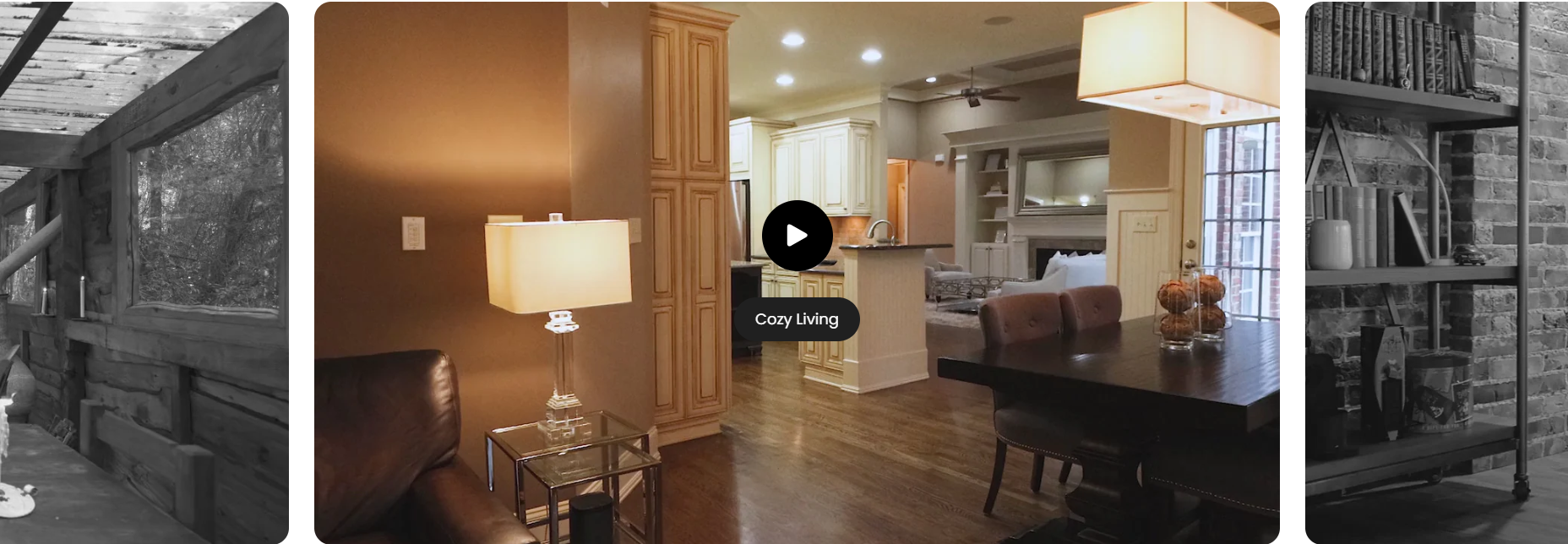
Section Configuration:
Heading Settings
| Setting | Description |
| Heading: | Configurable text for the section's main title. Default is "Videos list". |
| Section Heading Size | Choose the size of the heading to establish visual hierarchy, with options ranging from extra-large to medium. |
Media Settings
| Setting | Description |
| Section Media Size | Choose how media should be displayed (adapt, square, portrait, landscape) to best fit the content and layout. |
Color Scheme Settings
| Setting | Description |
| Color Scheme | Select a predefined color scheme to ensure visual consistency with your store’s branding. |
Slideshow Settings
| Setting | Description |
| Auto Play | Configurable text for the section's main title. Default is "Videos list". |
| Show Navigation | Enable navigation arrows for manually cycling through videos. |
| Show Pagination | Toggle to display pagination dots for direct access to specific videos. |
| Change Slides Every | Set the interval in seconds for changing slides automatically. |
Spacing Settings
| Setting | Description |
| Top Padding | Adjust the space above the section content. |
| Bottom Padding | Adjust the space below the section content. |
Blocks Configuration:
Video Block
| Setting | Description |
| Default Text | Caption or description text for each video. |
| Cover Image | Optional image that appears before the video plays. |
| Alt Text | Descriptive text for the cover image to improve SEO and accessibility. |
| Enable Video Looping | Toggle to allow the video to loop continuously. |
| Video Upload | Direct upload of video files to be hosted on Shopify. |
| Video URL | Embed videos from platforms like YouTube or Vimeo. Supports specific formats for embedding. |